Orisha Agrifood
Técnicas de Informática Profesional, Servicios y Asesoría
AppSource
 Gestión de Análisis de Laboratorio | Dynamics 365 Business Central
Gestión de Análisis de Laboratorio | Dynamics 365 Business Central 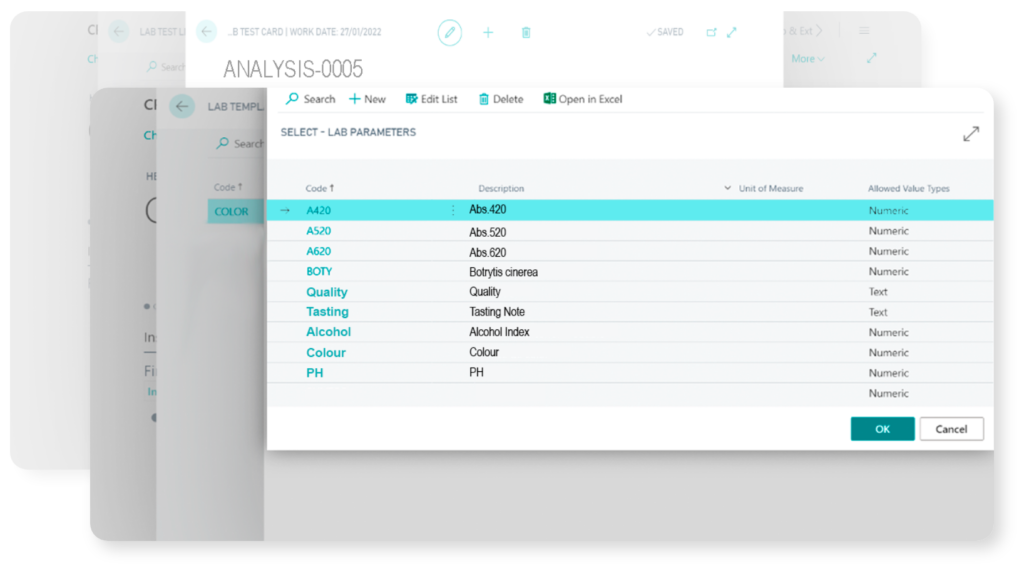
Esta aplicación está dirigida a aquellas empresas usuarias de Dynamics 365 Business Central que precisan realizar ensayos y analíticas de muestras en laboratorio. Sus escenarios de uso son muy variados. Es aplicable en empresas industriales, químicas y sanitarias que precisan estudios ágiles de parámetros analíticos; en empresas agrícolas, que analizan muestras de suelo, planta y fruto; en compañías fabricantes de alimentación y bebidas; bodegas; conserveras, almazaras, y en múltiples departamentos de gestión, análisis y control de calidad.
Un buen manejo contribuye a gestionar con eficacia múltiples parámetros analíticos y grupos de parámetros (por ejemplo, en los procesos de producción de vino, valores de grado alcohólico, color y acidez); a sistematizar el trabajo de los equipos de laboratorio con el uso de plantillas de análisis; y a llevar una trazabilidad rigurosa de las analíticas efectuadas en los trabajos de campo, a lo largo del ciclo productivo, o en fases posteriores de seguimiento, prevención, análisis y mejora. Sobresale la funcionalidad de análisis de laboratorio con parámetros relacionados y formulación condicionada.
Administrar con éxito esta app implica conocer cómo:
- Crear parámetros analíticos
- Crear grupos de parámetros
- Crear plantillas de análisis
- Lanzar y consultar análisis
English Version
Lab Test Management for Dynamics 365 Business Central
- Tipsa is a Spanish Microsoft Partner who works since 1994 with Microsoft Business Solutions with the aim of helping SMB companies to integrate their business processes and optimize daily operations by promoting collaborative work, mobility and efficient data analysis.
- This app for Dynamics 365 Business Central is addressed to those companies that use lab analysis as an ordinary activity along different stages of their production cycle or customer service activities.
- Analytical parameters, group of parameters and analytical templates are fully customizable.
- Lab test management (schedule, analysis, history) & reports within Dynamics 365 Business Central.
- Related parameters and conditional formulas.
- Numerous vertical industries use Lab Test Management, including wineries, olive oil manufacturers, distilleries, beverage & canned food factories, chemical, health and pharmaceutical industries and other companies that work with lab tests.
- Supported Editions: The app supports the Essentials and Premium Editions of Microsoft Dynamics 365 Business Central. Supported Countries: Spain. Supported Languages: This app is available in English (United States) and Spanish (Spain).
Quick support guide
Login and download our detailed spanish guides and materials.
1. Before use, please, confirm that all your analytical parameters are defined
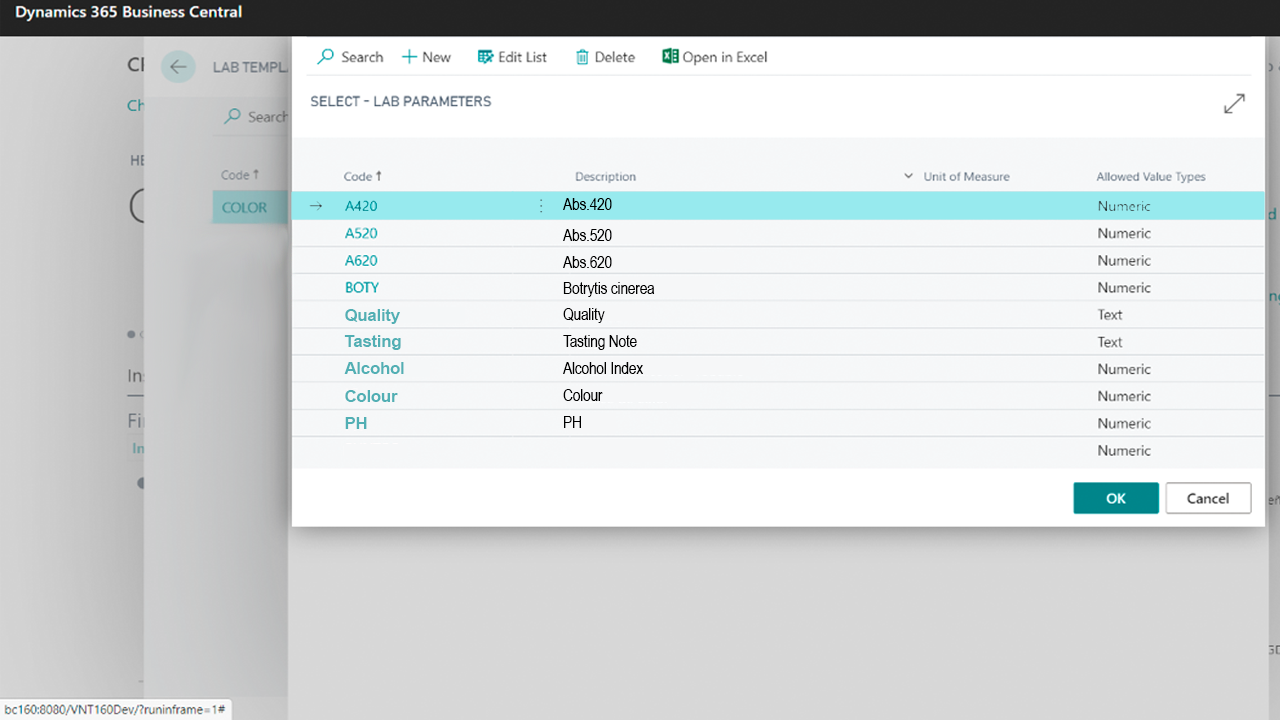
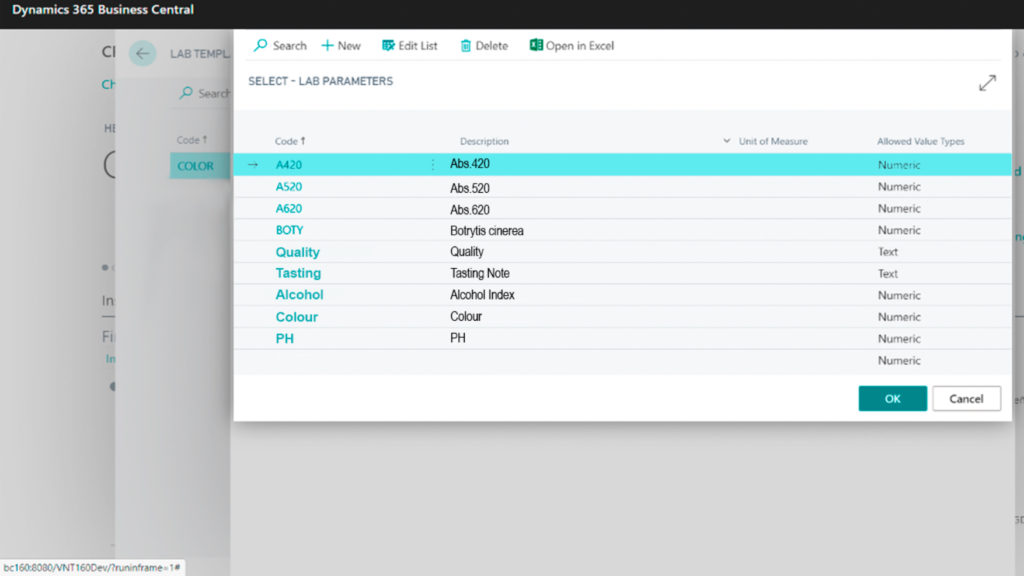
Set up all parameters that you company needs to work with. Use this auxiliary table to define all analytical parameters. Indicates the following data:
– Code: It is the identifier for each parameter.
– Description: It is the name of the parameter.
– Unit of measure: It is the unit of measure in which the parameter is calculated. Some parameters can be dimensionless.
– Maximum and minimum values can be defined for each analytical parameter: In an analytic test, when the parameter value is not within that range, it will be marked in red. If the value is within the allowed range, it will be marked in green. If no maximum or minimum values are defined there will be no color change.
2. Create your lab template card
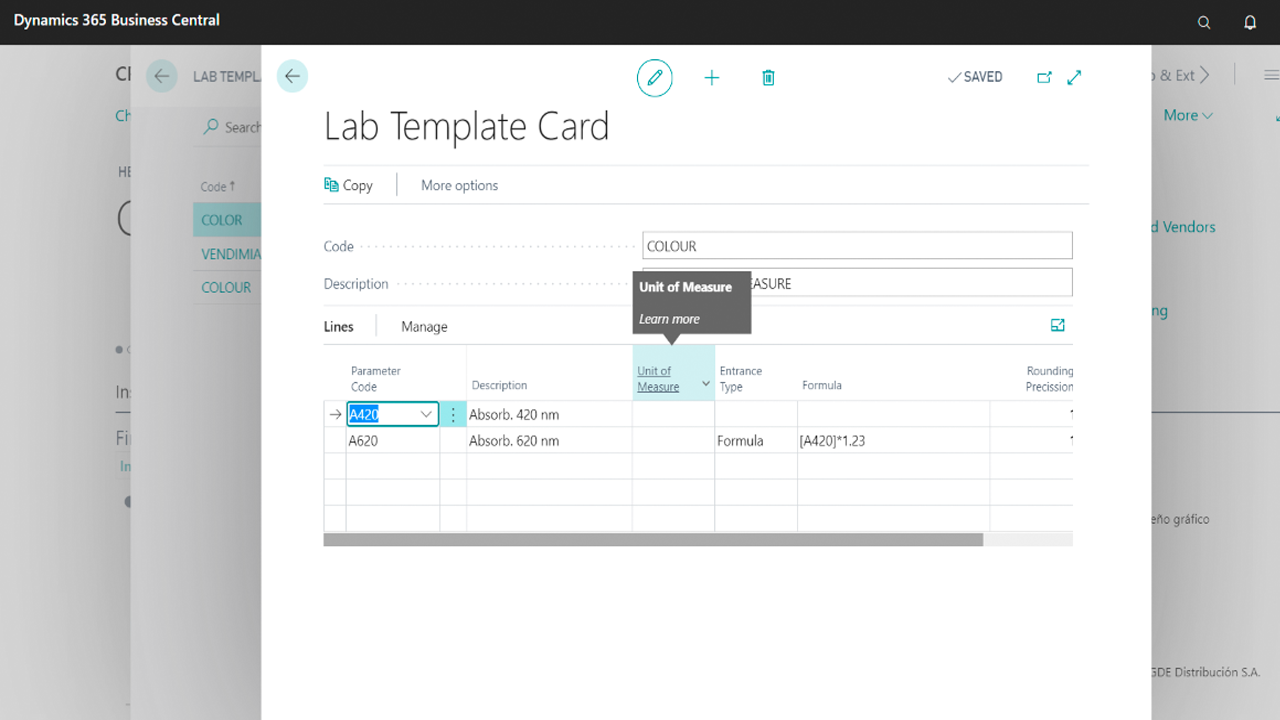
Lab template cards are groupings of parameter groups. They are set up with the aim of gaining agility when a new lab test is created. In other words, lab template cards will be used as a basis for each new lab test.
All available lab templates will appear under the lab templates card list. Each template must include the following information: code, description, unit of measure, type of entry, associated formula and the rounding precision rule.

3. Output
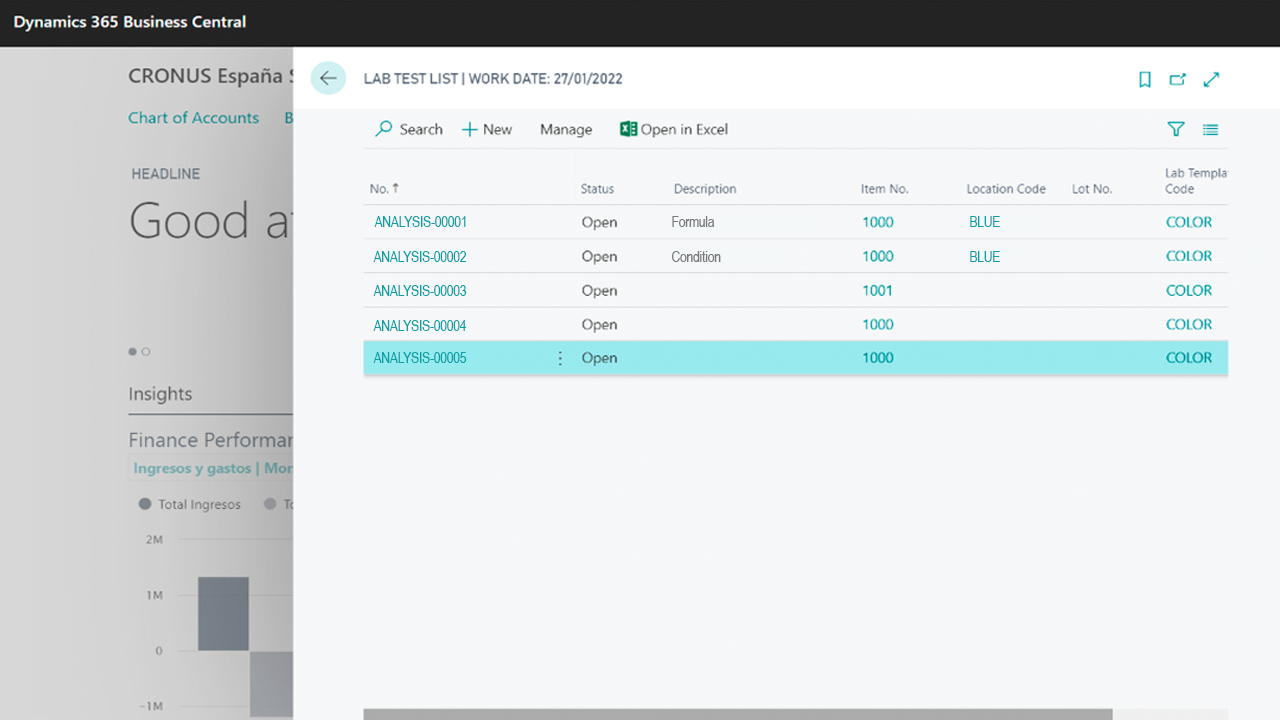
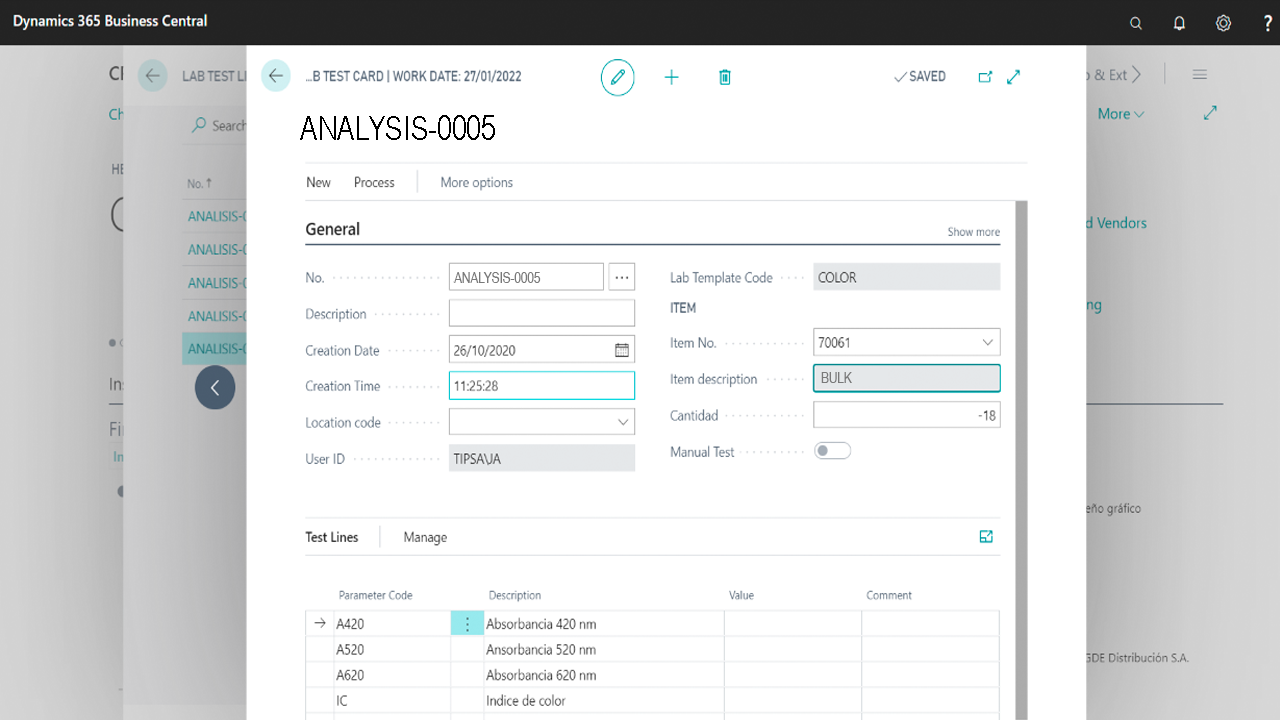
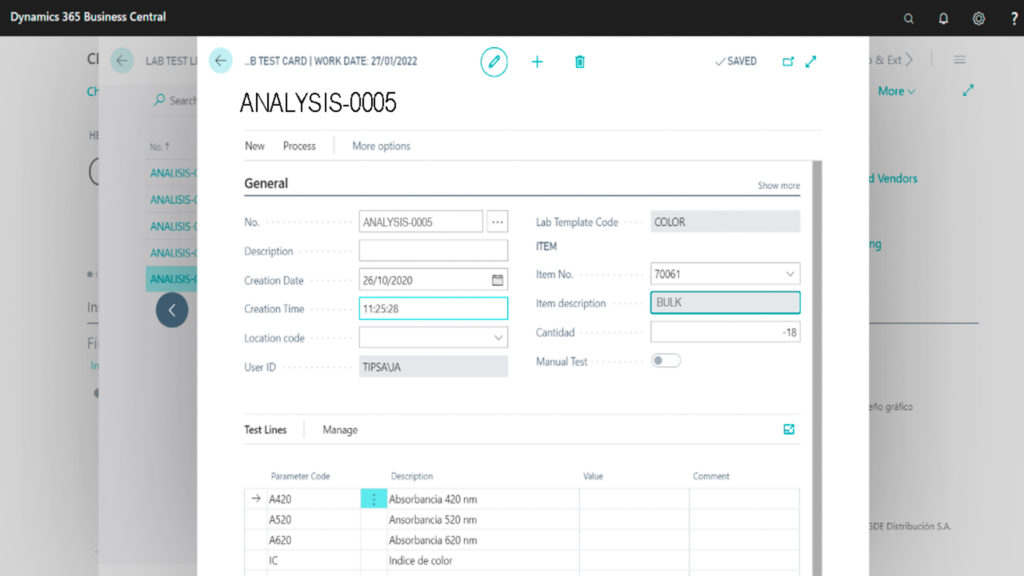
When the user is creating a new analysis she can manually select the necessary parameters, or load a pre-established analysis template. In this second case, the parameter groups and parameters that have been defined in the template will be automatically loaded into the analysis (lab test). Then, the user can complete the analysis.
Lab tests can be registered, unregistered, activated and deactivated.
4. Register
Once the lab analysis is complete, you can register it.
Then, movements will be applied. Registered lab analysis can be found in their archive.
You can obtain extra help support by login in our private learning portal. Only available for active subscriptions.
Solución certificada. Disponible en Microsoft Appsource