Orisha Agrifood
Técnicas de Informática Profesional, Servicios y Asesoría
AppSource
 EMCS | Excise Movement Control System – Dynamics 365 Business Central
EMCS | Excise Movement Control System – Dynamics 365 Business Central 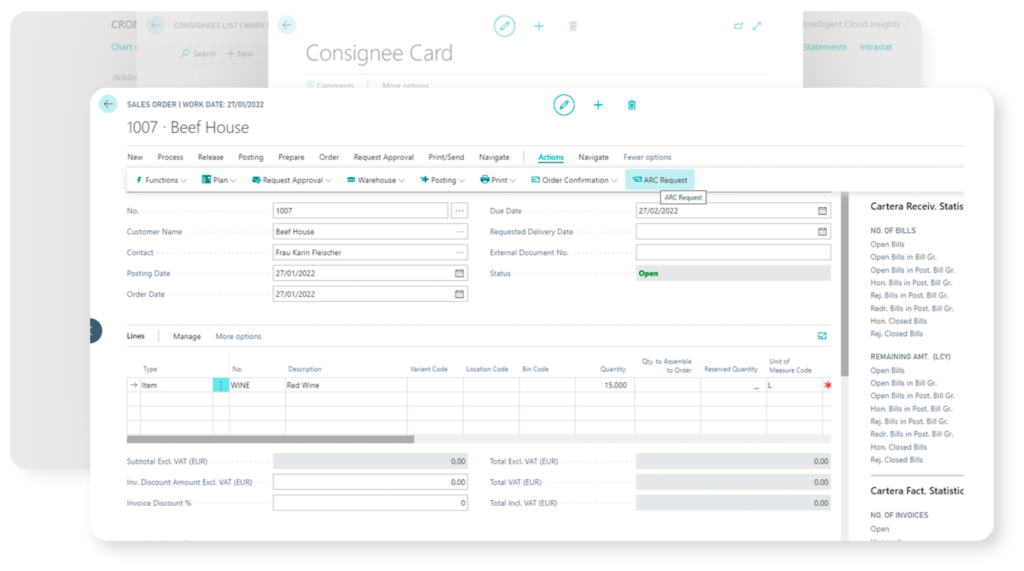
Esta aplicación para Dynamics 365 Business Central está dirigida a bodegas, cooperativas vitivinícolas; productores o distribuidores de cavas, aguardientes, brandis, destilados u otras bebidas alcohólicas sujetas a impuestos especiales, que deben presentar por vía electrónica los documentos de acompañamiento (e-DAA) a la Agencia Tributaria española (AEAT) siguiendo la normativa europea de EMCS (Excise Movement and Control System -EMCS-).
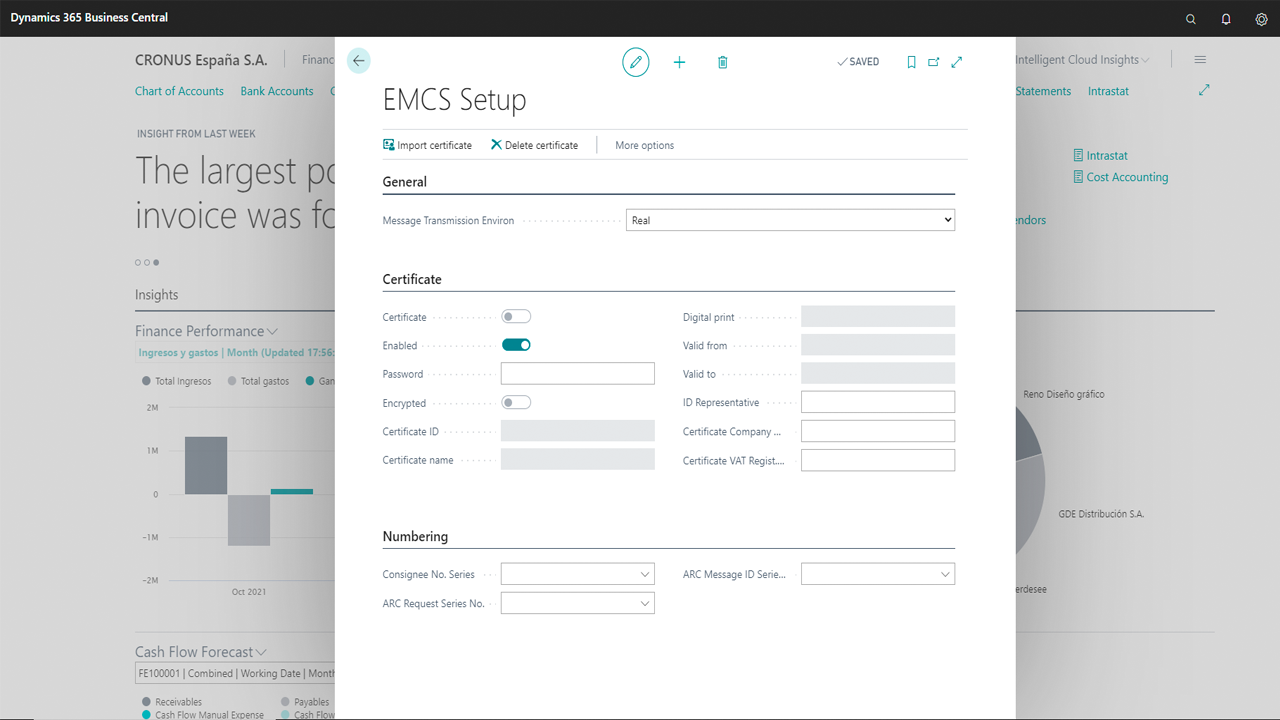
En concreto, permite la conexión con los servicios informáticos de Hacienda para obtener el número ARC de manera asistida; gestionar números de CAE, destinatarios, expedidores, establecimientos; generar e-DAA de emergencia; acceder a los mensajes procesados por la AEAT y guardar un histórico de los números ARC relacionados con albaranes y facturas de la compañía.
Es una app disponible para funcionar de forma autónoma con Dynamics 365 Business Central o trabajando conjuntamente con otras aplicaciones de VinoTEC.
Un adecuado manejo de la aplicación exige conocer cómo:
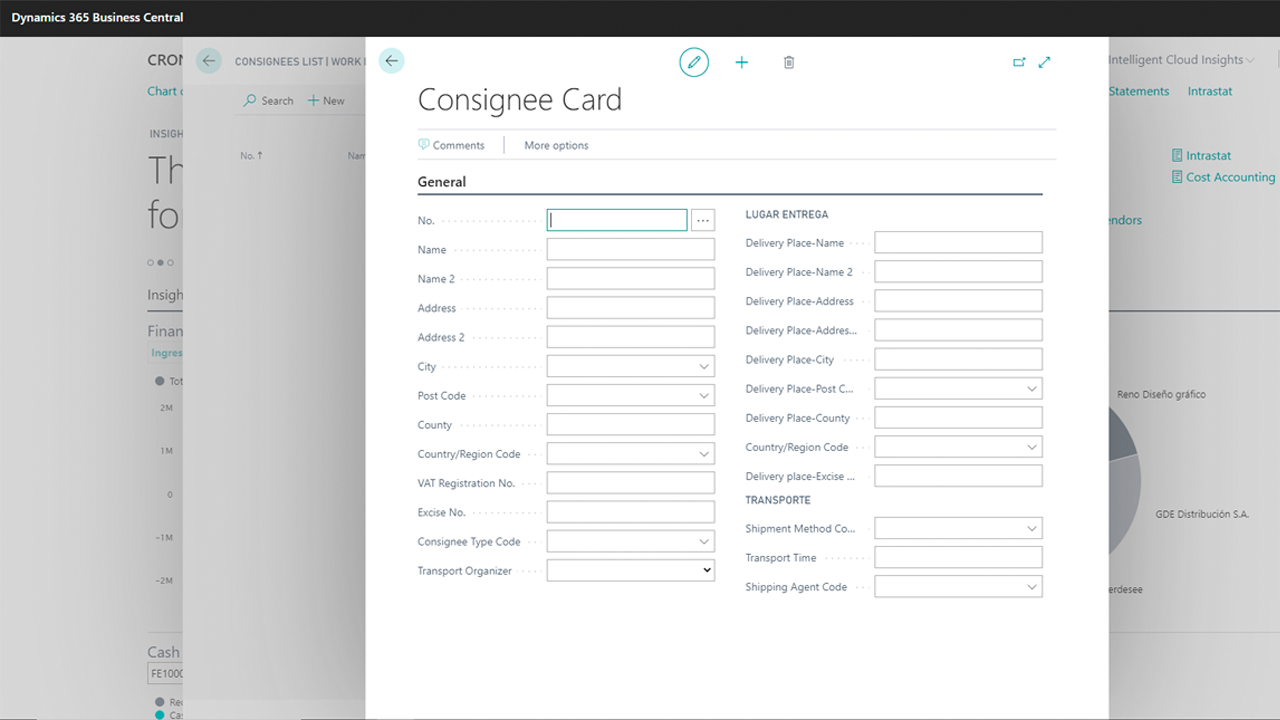
- Definir establecimientos, destinatarios y expedidores
- Configurar tablas auxiliares de EMCS
- Generar e-DAAs
- Utilizar la bandeja de entrada de mensajes de la AEAT
English Version
Solution Overview
End-to-End Winery Management Solution Built with Dynamics 365 Business Central
- This application for Dynamics 365 Business Central is designed for wineries, cooperatives, cava, spirits, brandies, distilleries and other companies that produce and distribute alcoholic drinks with special taxes. They must submit accompanying documents to the Spanish Tax Agency following the European EMCS regulations.
- This app connects with the IT services of the Treasury to obtain the ARC number; manage CAE (excise) numbers, consignees, dispatchers, establishments; generate emergency e-DAA; access the messages processed by the AEAT and carry out multiple operations.
- Supported Editions: The app supports the Essentials and Premium Editions of Microsoft Dynamics 365 Business Central. Supported Countries: Spain. Supported Languages: This app is available in English (United States) and Spanish (Spain).
Quick support guide | English
Login and download our detailed spanish guides and materials.
1. Set up establishments, consignees and dispatchers
A company can manage one or more CAEs (excise) or business activity code. It is important to configure these codes correctly. You must complete the following information:
– Use the General Tab to inform global data of each establishment, such as code, name, address, contact information and a CAE (excise). Dont’ forget include information about the type of tax regime; certifying authority; method of transportation organization; or type of guarantor. Please, complete the following fields: place of dispatch; place of delivery; authority, and signature.
– Use the Browse Tab to check the good use of each CAE (excise), as well as the place of delivery and dispatch.
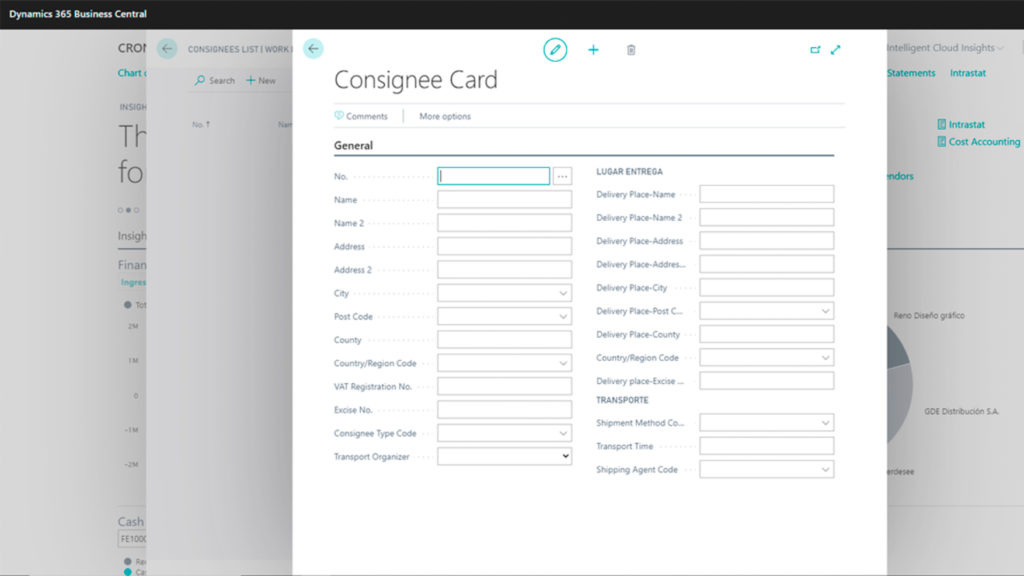
– Then, we can configure consignees and senders and integrate them with our clients and suppliers.
2. Set up EMCS auxiliary tables
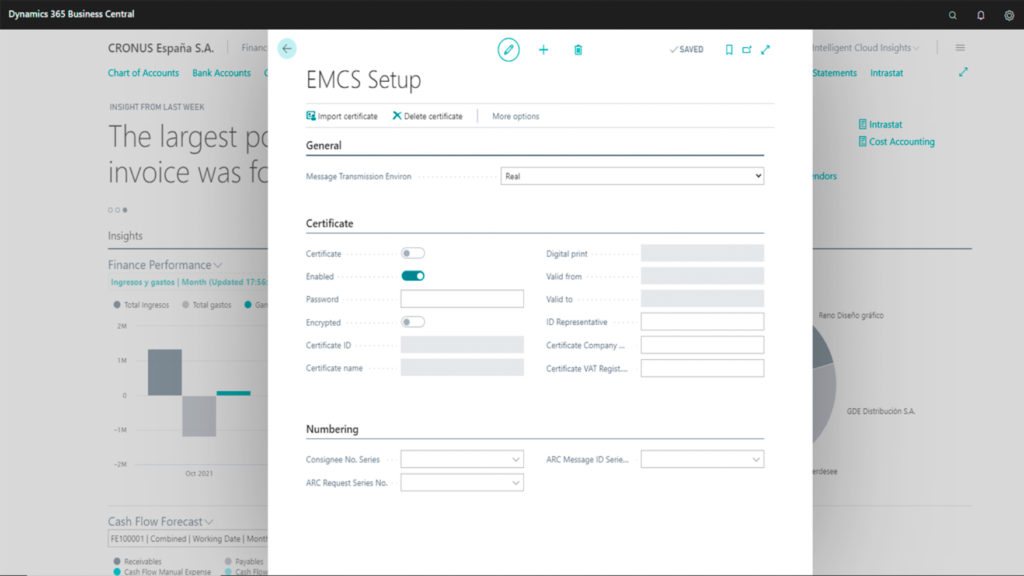
This app uses auxiliary tables to perform.
No customizable auxiliary entities are:
– Types of origin
– Destination types
– Types of national origin
– Types of national destination
– Exempt body
– Transport methods
– Reasons for cancellation
– Categories of alcoholic products
– Handling
– Types of packaging
– Types of guarantor
– Transportation managers
– Transportation details
– Message types
– Operator types
– Global conclusions
– Reasons for rejection.
Customizable entities are:
– Zip codes
– Customs
– Management offices
– Reasons for delay
– Issuing body
– Product tariff codes
– EMCS product groups
– Modes of transport
– Countries and regions
– Languages
– Customs Agents
– Certifying authority
– Group certified product
3. Generate e-DAAs and use the AEAT message inbox
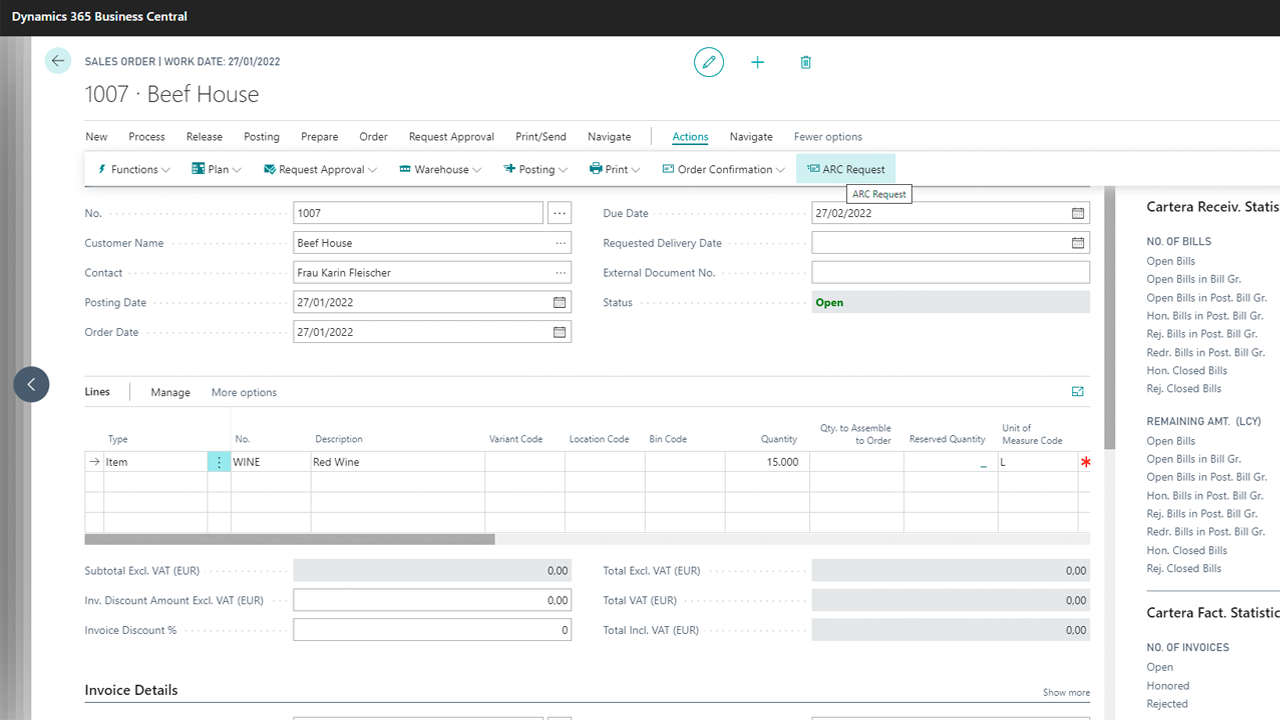
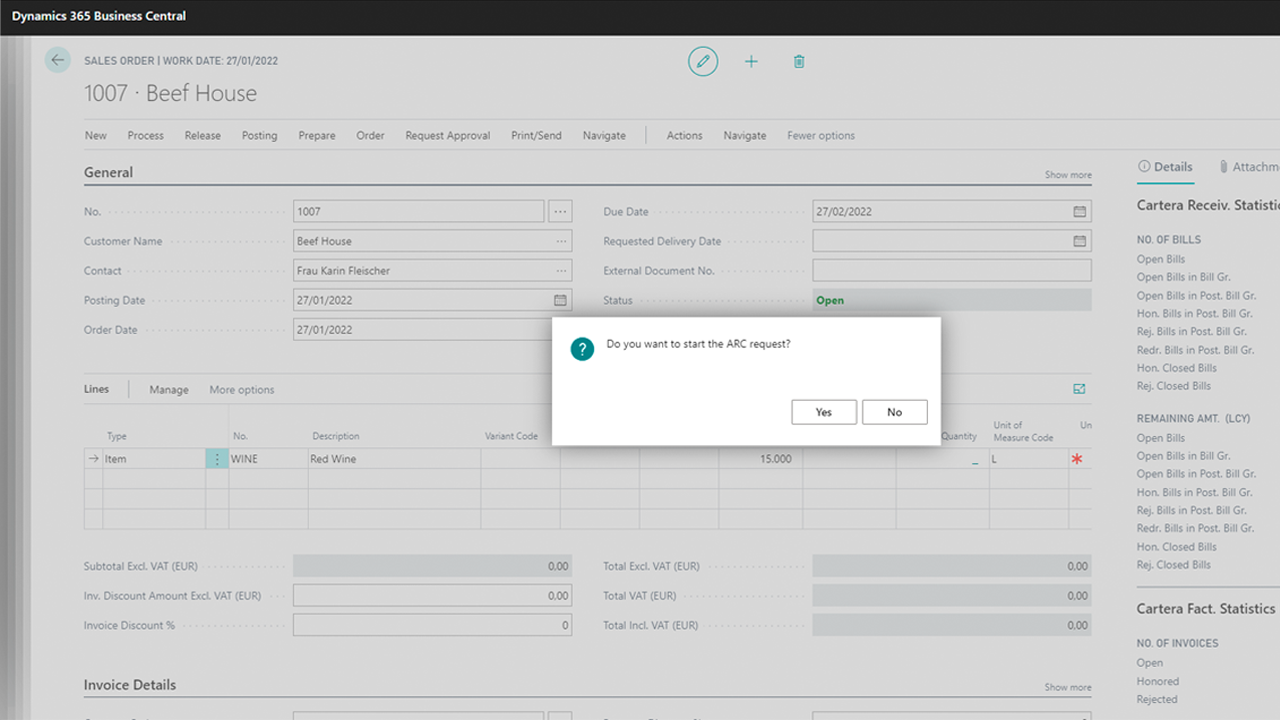
In a sales order click on “ARC Request“, a wizard will apperar. Write the following information: National origin; Type of origin; Issuer number; Scope; National destination; Type of national destination; Consignee No.; then, write the delivery details and the type of guarantor. Now, continue the wizard and type data regarding to the product (commercial name and shipping details); method of transport (unit code, country code, means of transport ); certifying entity and final details about the shipment (Transport mode; Duration, expedition datetime, printing document; invoice date). Then, click finish and the e-DAA will be automatically created.
More Information and extra support
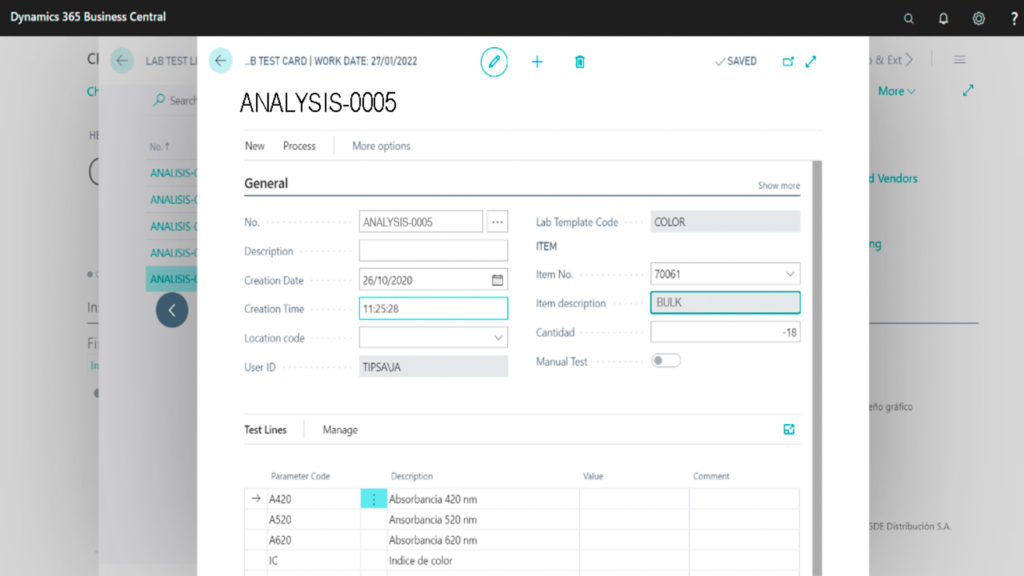
You can obtain extra help support by login in our private learning portal. Only available for active subscriptions.
Solución certificada. Disponible en Microsoft Appsource