Orisha Agrifood
Técnicas de Informática Profesional, Servicios y Asesoría
AppSource
 Regional Reporting Books | Libros de Declaraciones de Vino
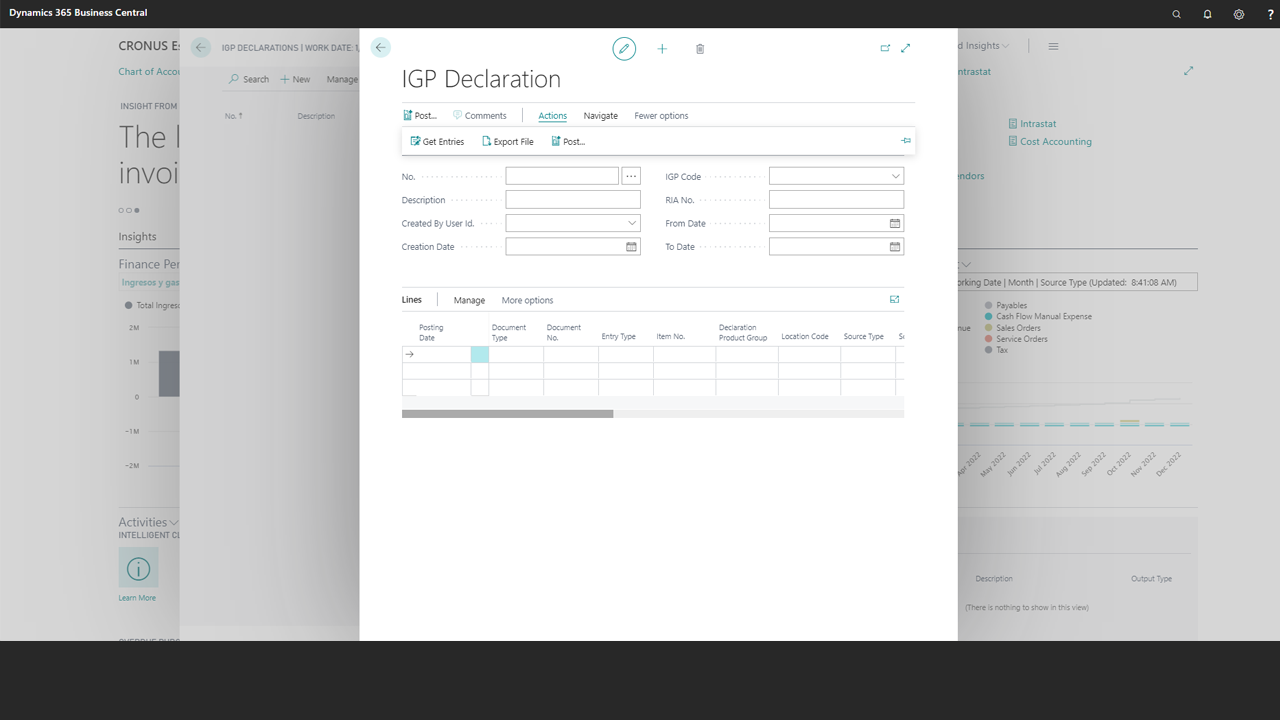
Regional Reporting Books | Libros de Declaraciones de Vino 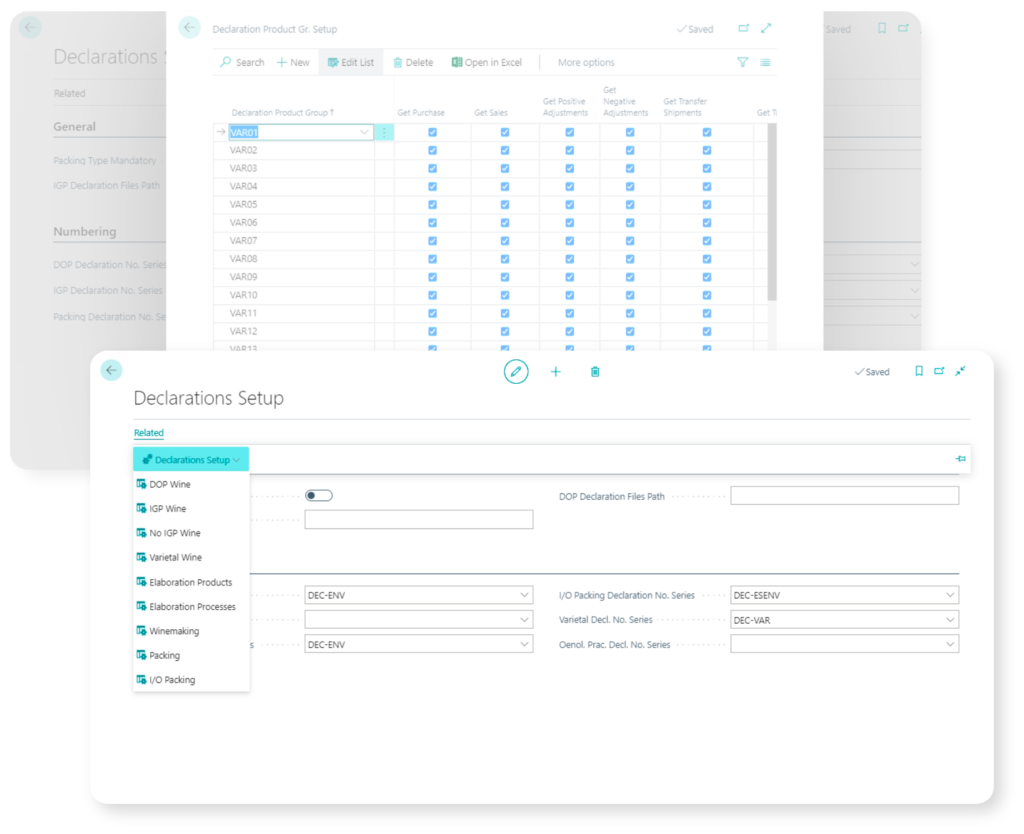
Esta aplicación para bodegas españolas gestionadas con Dynamics 365 Business Central recorre los movimientos de producto (vino) y automatiza el cálculo y la generación, en soportes magnéticos o impresos, de las declaraciones exigidas por organismos sectoriales, provinciales o autonómicos que regulan la producción de productos sujetos a impuestos especiales.
La app permite, por ejemplo, generar y exportar las declaraciones siguiendo los formatos exigidos por la Consejería de Agricultura, Ganadería, Pesca y Desarrollo Sostenible de la Comunidad Autónoma de Andalucía o de la Consejería de Agricultura y Medio Ambiente de la Junta de Comunidades de Castilla La Mancha, entre otros modelos.
Esta app trabaja conjuntamente (dependencias) con VinoTEC Core y EMCS | Spain. Ambas aplicaciones están disponibles en AppSource Markeplace.
Funcionalmente contempla los formatos exigidos por las siguientes declaraciones:
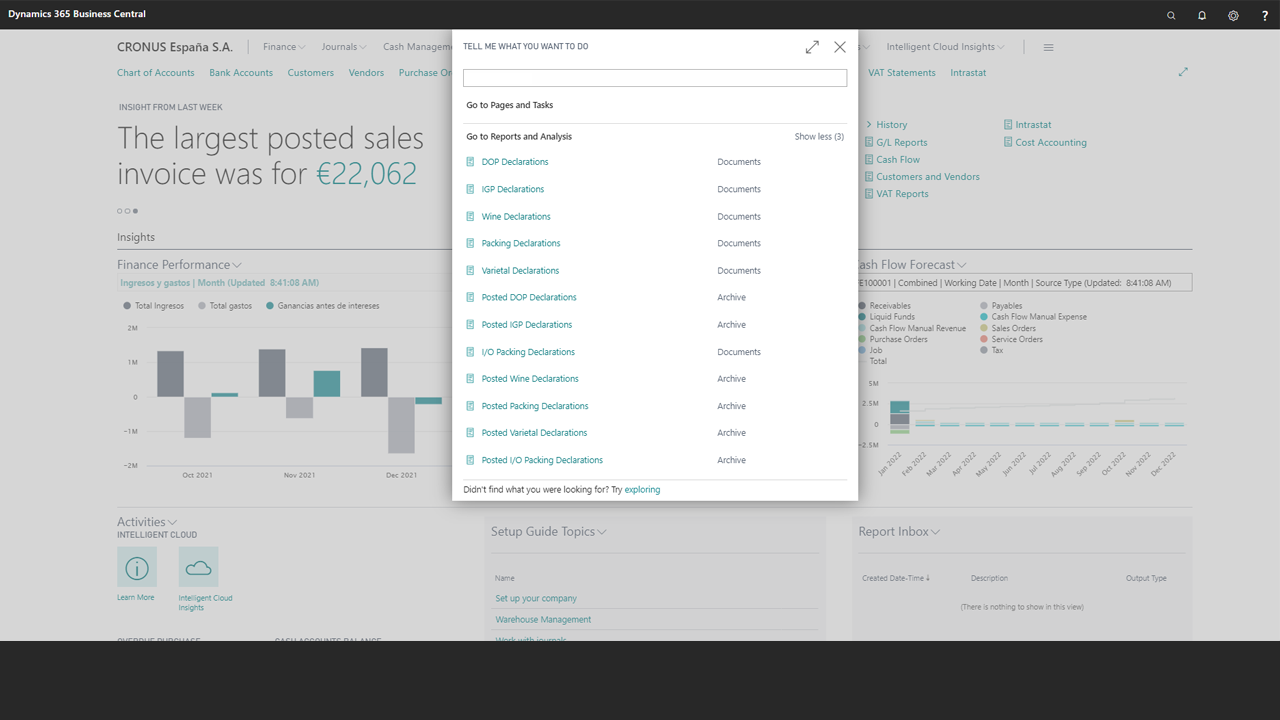
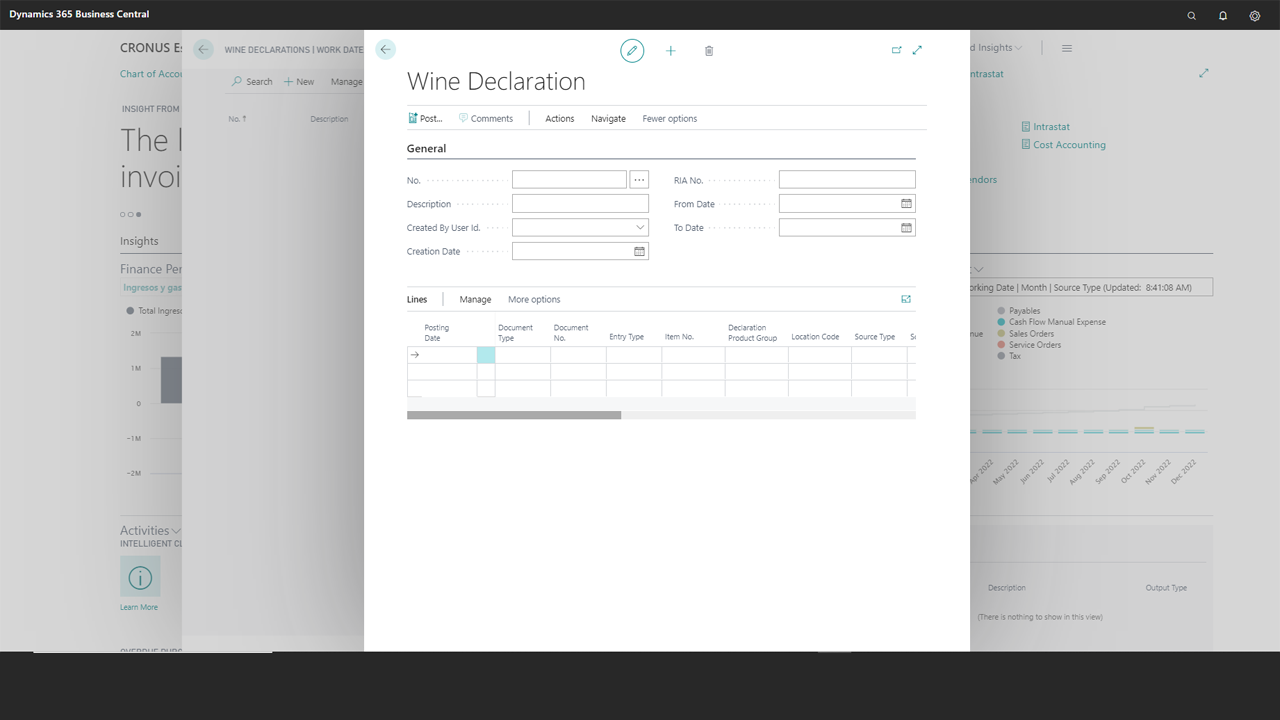
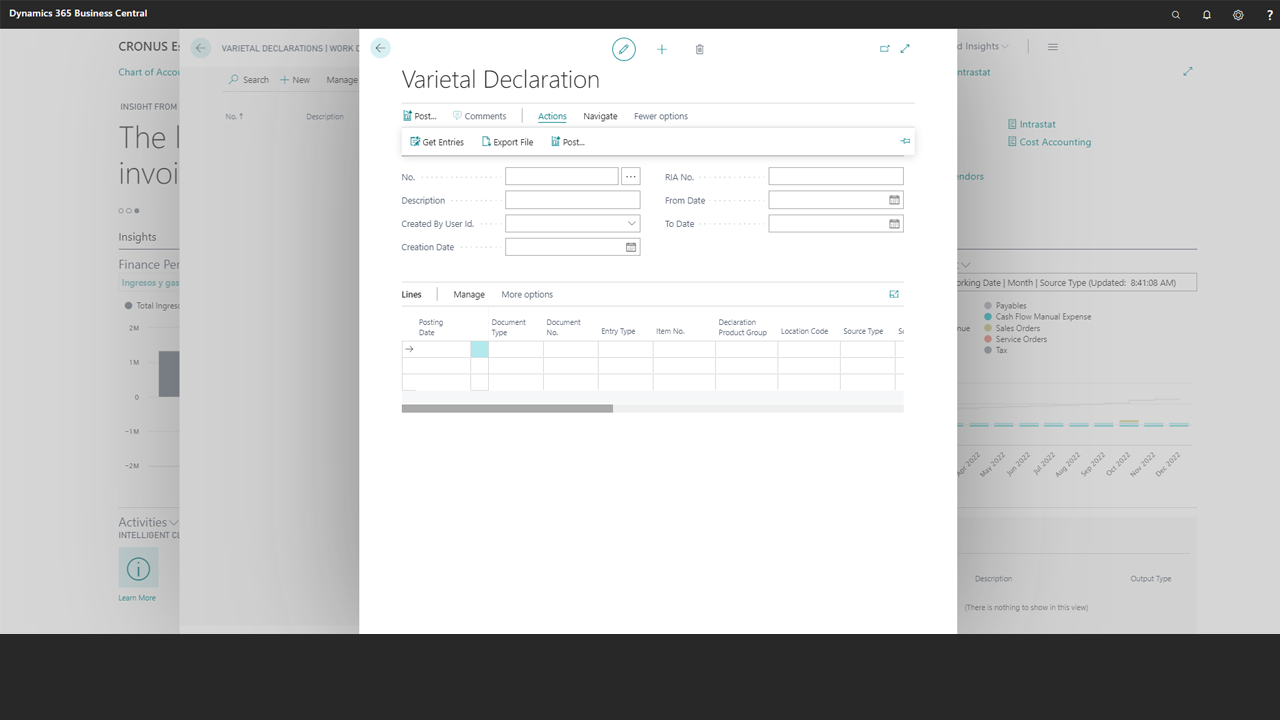
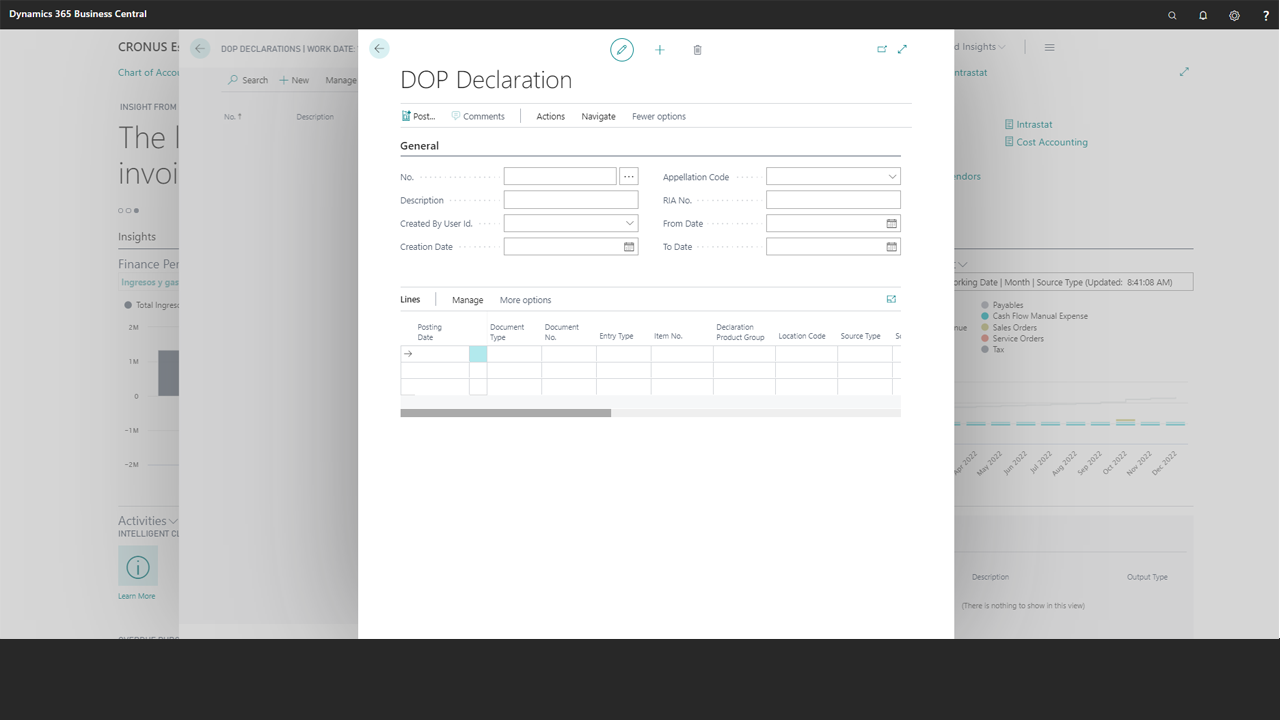
– Vinos DOP, Vinos IGP, Vinos Sin IGP, Vinos Varietales, Envasado, Entrada / Salida de Envasado.
– Ediciones compatibles: la aplicación es compatible con las ediciones Essentials y Premium de Microsoft Dynamics 365 Business Central. Países admitidos: España. Idiomas admitidos: esta aplicación está disponible en inglés (Estados Unidos) y español (España).
Trabajar activamente con la aplicación supone conocer cómo:
- Realizar la configuración general
- Determinar designaciones de vino
- Trabajar con grupos de declaración producto
- Configurar productos
- Configurar almacenes
- Configurar clientes
- Configurar proveedores
- Configurar tipos de envasado
- Configurar declaraciones
- Declaración de Vinos DOP
- Declaración de Vinos IGP
- Declaración de Vinos Sin IGP
- Declaración de Envasado
- Declaración de Entrada/Salida Envasado
English Version
Excise Taxes (Spain) | Overview
- Using this quick guide you will be able to work with the Regional Reporting Group app. This app for Dynamics 365 Business Central helps Spanish wineries to create and submit accurate information about wine production movements to local regulatory authorities. This application works with VinoTEC Core and EMCS | Spain apps (dependencies).
- This solution provides functionality to analyze wine product movements and calculate data that wineries must report to local / regional regulatory institutions using different formats and methods (printed books or telematics submission). Supported Reports (Spain) concern to: Vinos DOP, Vinos IGP, Vinos Sin IGP, Vinos Varietales, Envasado, Entrada / Salida de Envasado.
- Supported Editions: The app supports the Essentials and Premium Editions of Microsoft Dynamics 365 Business Central. Supported Countries: Spain. Supported Languages: This app is available in English (United States) and Spanish (Spain).
Quick support guide
Login and download our detailed spanish guides and materials.
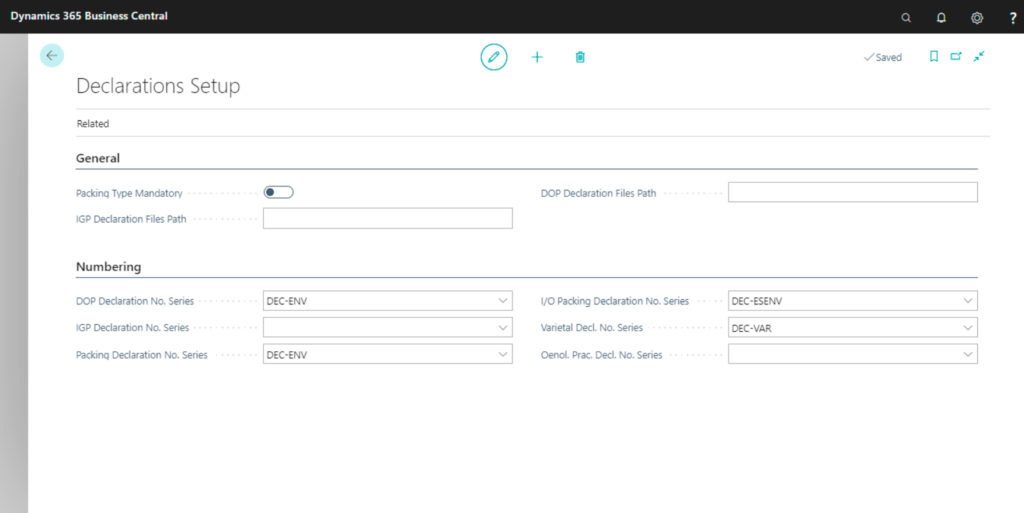
1. Set up the application. You must complete the following general information:
The objective of this application is to obtain the movements that must be reported with each official regional reporting book (declaration) and export its files according to the format that each CCAA requires. Working sucessfully with the Regional Reporting Books means to be able to:
– Serial number for each reporting / declaration.
– General management options.
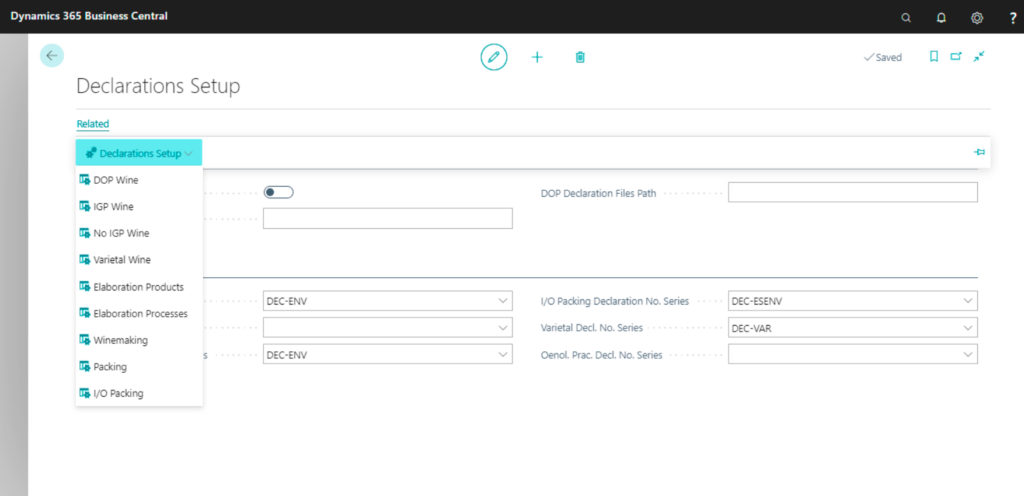
2. Create / Generate the reporting book
You must configure each type of declaration that your company must submit, according to its regional location needs.
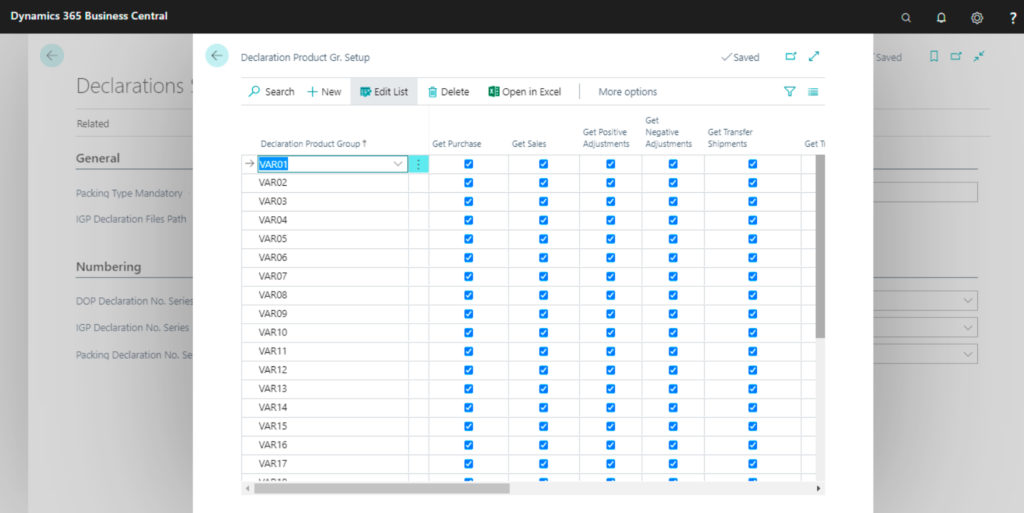
3. Select the movements that you want to use (bring) in each declaration set-up:
This drop-down tab shows the products that are at the end of this production process. Outputs only can be products. Output lines may contain the following details: product code, variant, warehouse / tank, batch number and quantity.
Work processing orders must contain the same information at inputs and outputs sections. Volume must be also the same. In the event of looses, they can be managed through the losses field placed at the General tab, or by indicating a waste type product in the outputs section.
4. Getting movements for each declaration
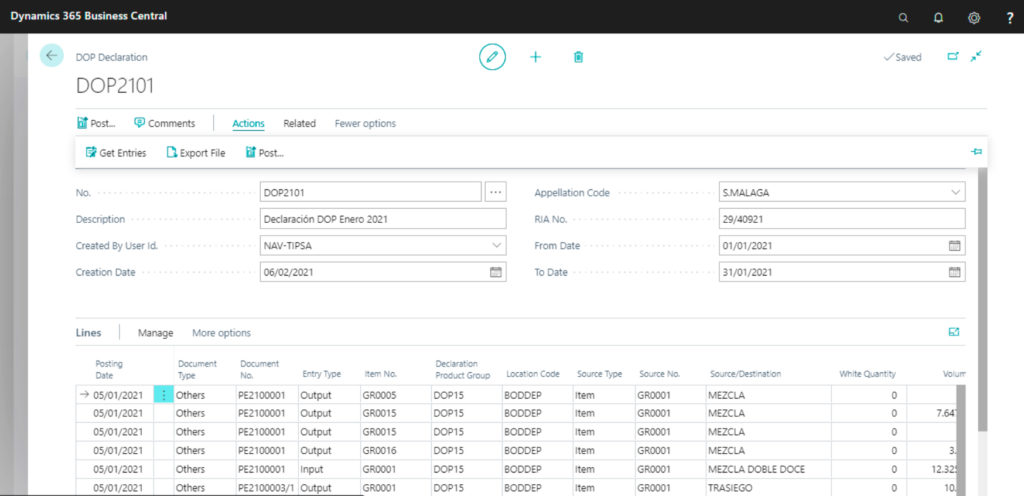
Getting movements for each declaration, filtered by header data, in accordance with the movements that have already been configured for each declaration:
– Get movements filtered by header data.
– Generate and export the files for each type of declaration (reporting book) using different formats: .txt, .csv…
Solución certificada. Disponible en Microsoft Appsource