Orisha Agrifood
Técnicas de Informática Profesional, Servicios y Asesoría
AppSource
 Trabajos de Campo – Agricultural Plot Management
Trabajos de Campo – Agricultural Plot Management 
Esta aplicación para Dynamics 365 Business Central se dirige a aquellas compañías que precisan un control exhaustivo de sus explotaciones agrarias y deben gestionar con precisión y fluidez los trabajos realizados en el campo.
En concreto, sus capacidades funcionales prestan una atención especial a:
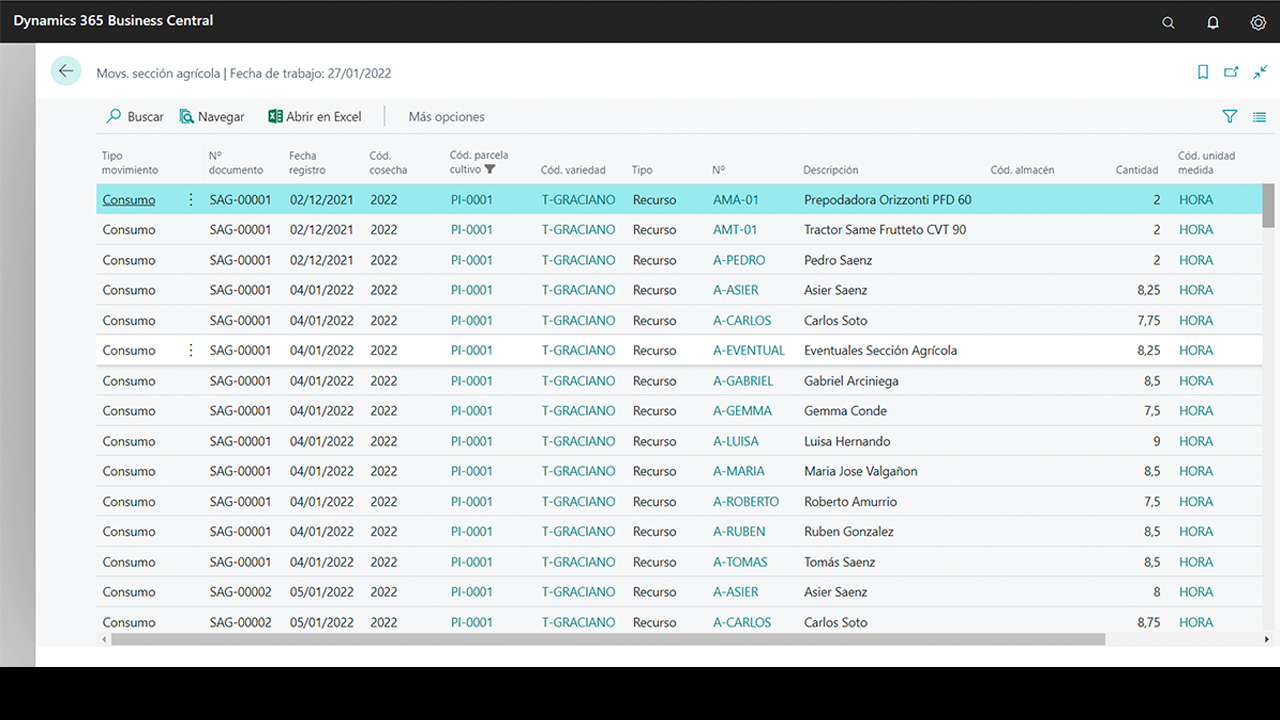
- Consumo de mano de obra.
- Empleo de maquinaria agrícola.
- Aplicación de tratamientos con productos fitosanitarios (RETO).
Numerosas empresas cerealistas, hortofrutícolas, oleícolas, vitivinícolas precisan una gestión ágil de sus operaciones en el campo. La funcionalidad de la app se concreta en:
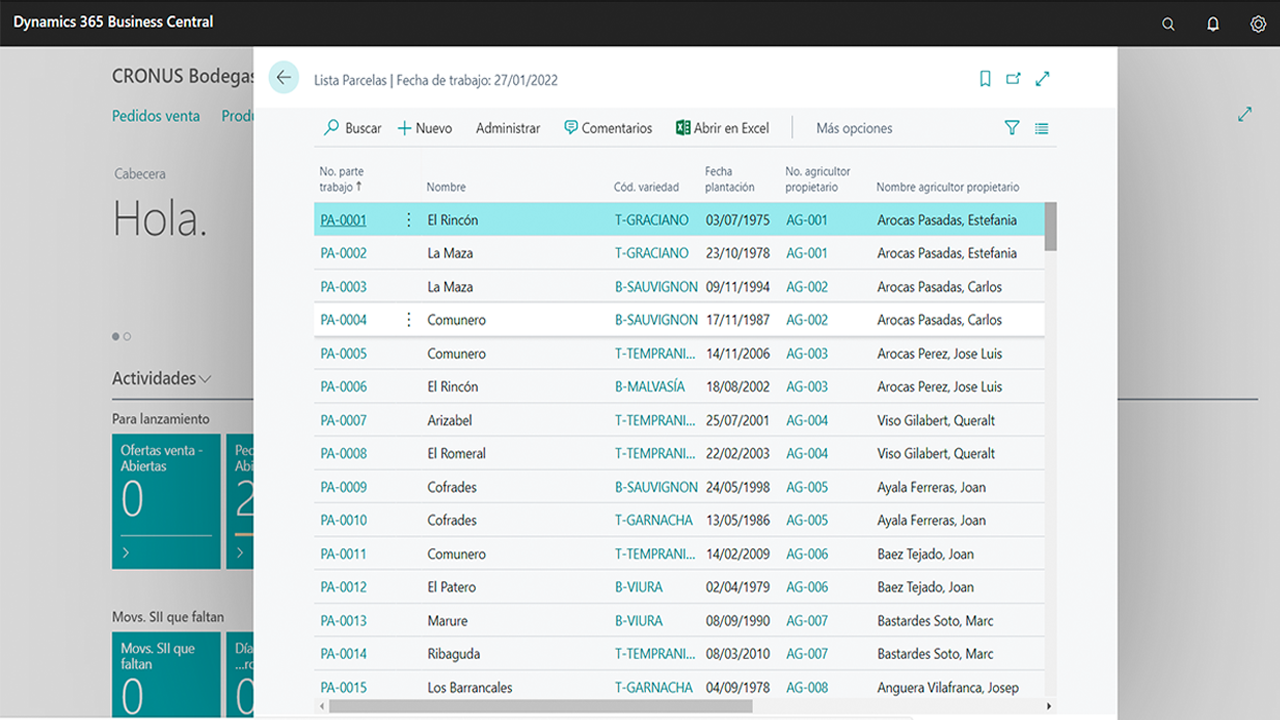
- Mantenimiento de parcelas de cultivo y explotaciones.
- Gestión de partes de cultivo.
- La elaboración e impresión de cuadernos de campo.
Esta aplicación puede trabajar conjuntamente con la funcionalidad de Gestión de Recogida y Análisis agroclimático. Esta última proporciona conexión con aplicaciones de captura de datos en campo y obtener con agilidad información de estados fenológicos, meteorología o posibles incidencias.
Ediciones compatibles: la aplicación es compatible con las ediciones Essentials y Premium de Microsoft Dynamics 365 Business Central. Países admitidos: España. Idiomas admitidos: esta aplicación está disponible en inglés (Estados Unidos) y español (España).
Administrar con éxito esta app implica conocer cómo:
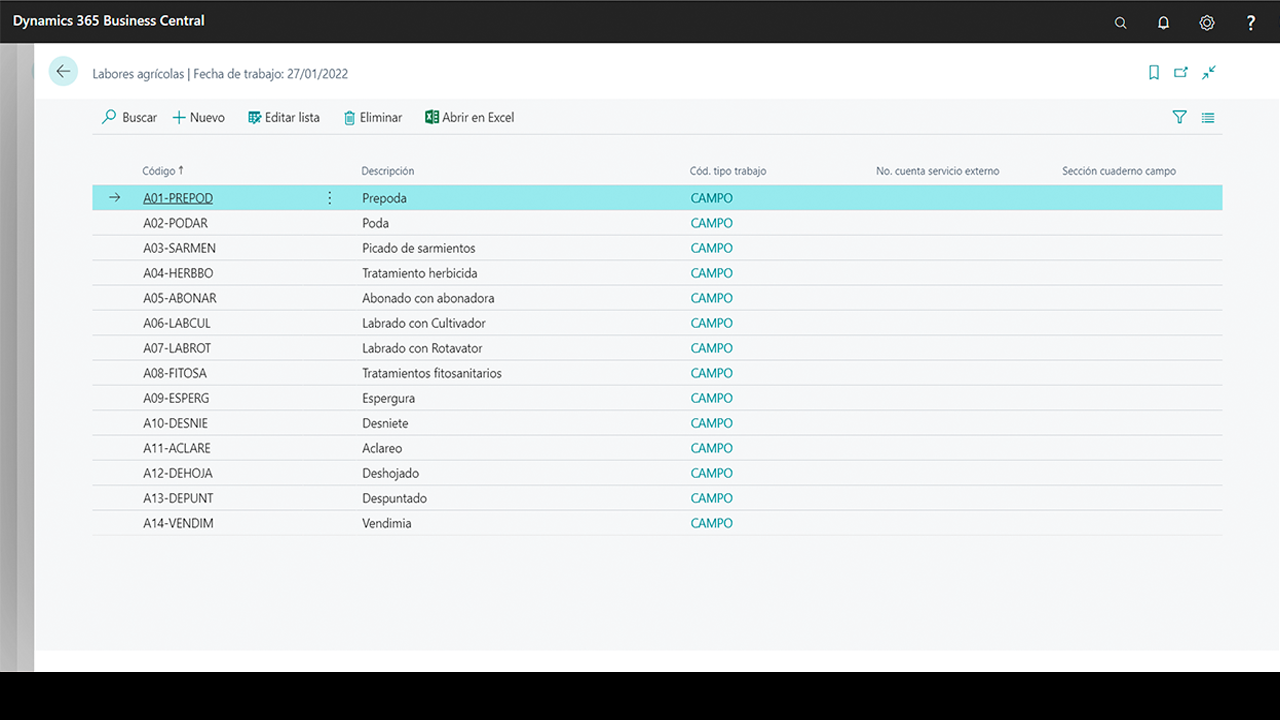
- Configurar cosechas, variedades, maquinaria, personal, productos, almacenes y tipos de trabajo.
- Manejar parcelas y plantaciones.
- Trabajar con partes de trabajo.
- Operar con el diario de sección agrícola.
- Elaborar el cuaderno de campo.
English Version
Agricultural Plot Management for Dynamics 365 Business Central
- Orisha Agrifood is a Spanish Microsoft Partner who works since 1994 with Microsoft Business Solutions with the aim of helping SMB companies to integrate their business processes and optimize daily operations by promoting collaborative work, mobility and efficient data analysis.
- This application for Dynamics 365 Business Central is addressed to companies that require a comprehensive analysis of their plots, considering costs, resource consumption and task management.
- Labor consumption.
- Use of agricultural machinery.
- Application of treatments with phytosanitary products.
- Cereal, horticultural, fruit and vegetable, olive and wine companies require an agile management of their operations in their plots. The functionality of the app is specified as follows: Maintenance of crop plots and farms. Management of crop reports. Production and printing of plot repots.
- This application works seamless with the functionality of Harvest Management and Agroclimatic Analysis apps (connection with data capture applications in the plot: phenological states, meteorology, incidents).
- Supported Editions: The app supports the Essentials and Premium Editions of Microsoft Dynamics 365 Business Central. Supported Countries: Spain. Supported Languages: This app is available in English (United States) and Spanish (Spain).
Quick support guide
Login and download our detailed spanish guides and materials.
1. Before use, please, confirm that all settings are well defined
Set up all auxiliary parameters that you company needs to work with this app.
- Harvests. It is necessary to register each crop in which we are going to carry out all types of work in the plot.
- Varieties. They identifies each type of plants that will be grown on each of the company’s plots.
- Machinery. You can explore the resource list (= machinery) available in your company.
- Staff. You can explore the resource list (= human resources) available in your company.
- Products. Phytosanitary products follow the business logic of Business Central.
- Warehouses. It is possible to set up different locations in the system.
- Agricultural work types. Use the list to register each possible agricultural labour.
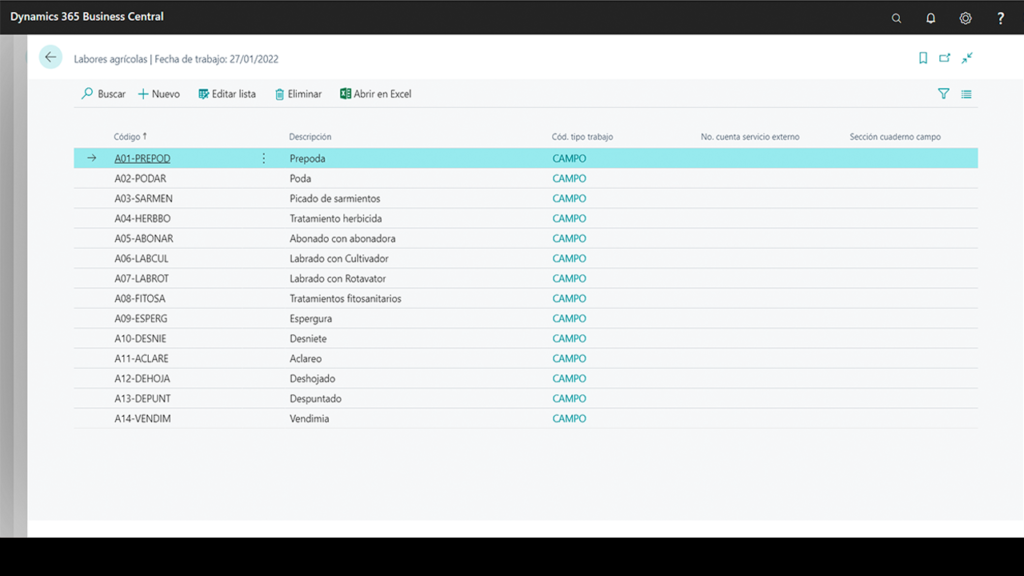
2. Work Order Sheets
This tool collects information regarding to daily tasks that happens at the agricultural section of any company.
It follows the traditional format of documents from Business Central (header and lines). It details the consumption of products, resources or any other type of work.
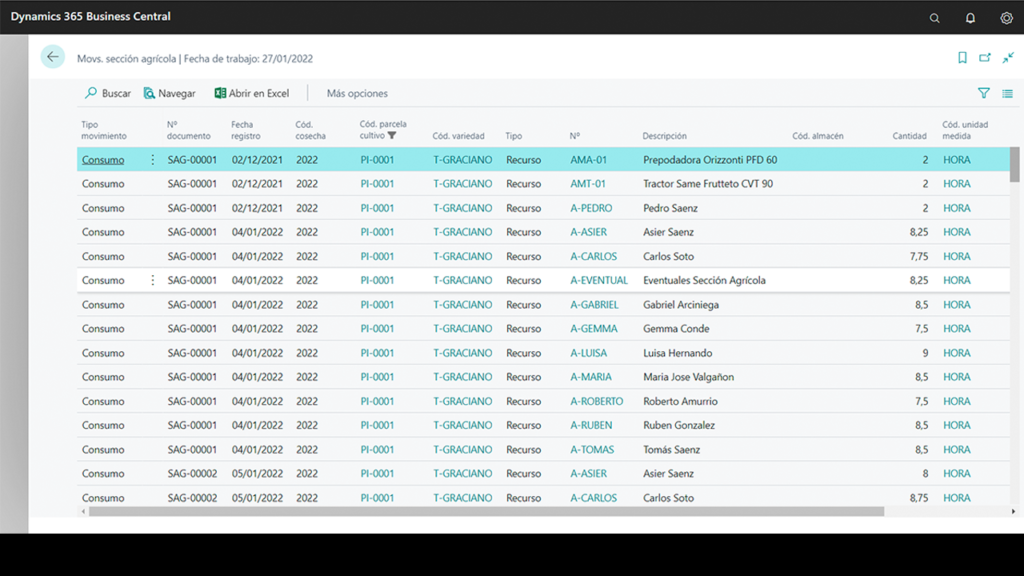
3. Plot Management Reporting Books
This tool needs a initial set up of products, phytosanitary, resources and plagues.
Plot Management journal is the tool that will allow us to generate the movements to be declared in the plot management reporting book. It is important to know that Plot Management Reporting Books consists of the following sections:
- Phytosanitary actions
- Advised phytosanitary actions
- Use of treated seed
- Post-harvest treatments
- Treatments to premises
- Treatments to means of transport
Solución certificada. Disponible en Microsoft Appsource